SEO in the AI Era: How to Keep Your WordPress or Shopify Site Visible
By Imran Hosain · · 7 min read
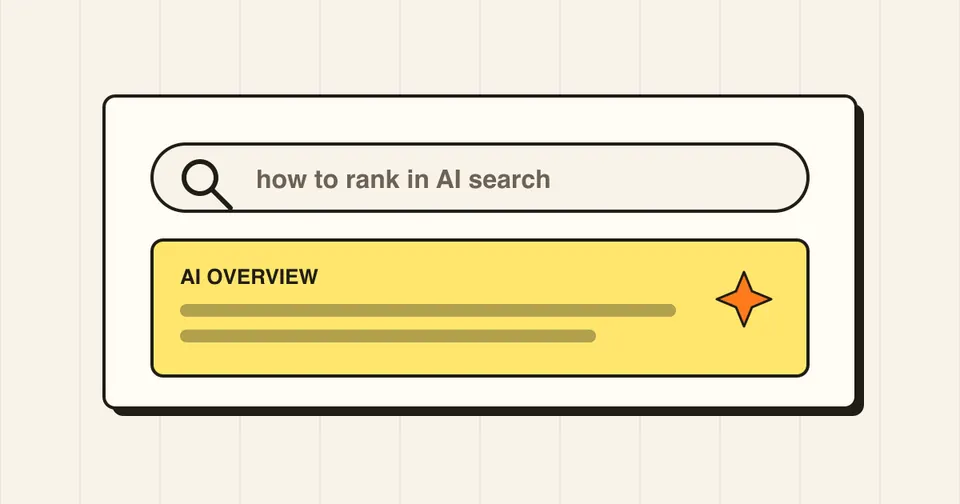
Google now shows AI-generated summaries such as AI Overviews, and people ask whether websites need a new kind of SEO. According to Google's own documentation, the answer is mostly no. This guide covers what Google says, and what to do for your WordPress or Shopify site.
What Google says about AI features
Google's Search documentation states that AI Overviews and AI Mode have no additional technical requirements. A page needs to be indexed and eligible to appear in Search with a snippet, and indexing is never guaranteed. Google also says you do not need special schema markup, and you do not need to create new machine-readable files or AI text files to appear in these features. The same SEO fundamentals apply.
1. Make sure Google can crawl and index your pages
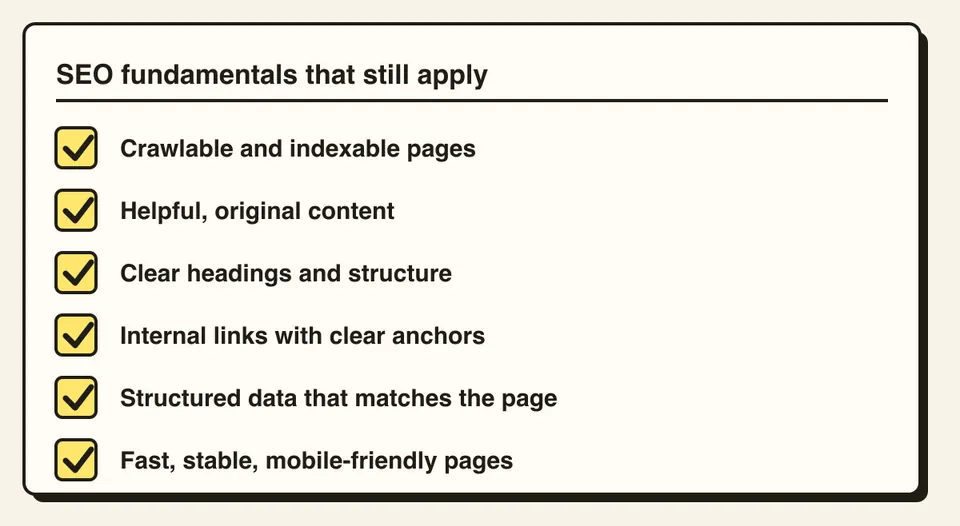
- Do not block Googlebot in robots.txt or through your CDN or host.
- Submit a sitemap in Google Search Console and check the Pages report for indexing issues.
-
Do not set
noindexon pages you want to rank. On WordPress, check Settings, Reading for the "discourage search engines" option.
2. Write genuinely helpful content
Answer the question people actually have, clearly and early. Add what only you can: real experience, examples, original photos, and specific advice. Generic text that repeats what is already everywhere gives search engines no reason to show your page.
3. Structure pages so they are easy to read
- One clear H1, then logical H2 and H3 headings.
- Put the key answer near the top, then explain.
- Keep important information as real text, not only inside images or videos.
- Add a short FAQ section where it fits the topic.
4. Use internal links
Link related pages together with descriptive anchor text, such as from a blog post to the relevant service page. This helps people and crawlers find your important content.
5. Add structured data that matches the page
Schema is not required for AI features, but it still helps Google understand a page. Use types that fit, such as Article, FAQPage, Product, LocalBusiness or BreadcrumbList, and make sure the markup matches what visitors can actually see. On Shopify, product data and a connected Merchant Center feed help products appear correctly.
6. Keep the page experience strong
Fast loading, a stable layout and a good mobile experience all matter. See my WordPress speed guide for the fixes that matter most.
7. Show who is behind the content
Add an author name, a short bio, an About page and clear contact details. This builds trust with readers and shows that real people stand behind the site.
8. Track what actually happens
Use Search Console to watch impressions, clicks and queries. Since AI summaries can change how people click, look at trends over months rather than days, and keep improving the pages that already get impressions.
What to avoid
- Mass-producing thin AI-written pages just to cover many keywords
- Promises that anyone can "guarantee" a place in AI Overviews, since nobody can
- Spending time on special AI files or tricks that Google says are not needed
Frequently asked questions
According to Google's documentation, no. There are no extra technical requirements, no special schema, and no need for new AI-specific files.
No. Pages must be indexed and eligible to show a snippet, but appearing is never guaranteed.
Yes. Crawlable, helpful, well-structured and fast pages are the same foundation that both classic results and AI features build on.